In all Machine Learning courses you have:
to complete a machine learning project in a team of up to 4 participants,
attend at least all but 2 sessions of the course, and
use the provided project template repository for documentation (unless otherwise instructed).
Navigate to the
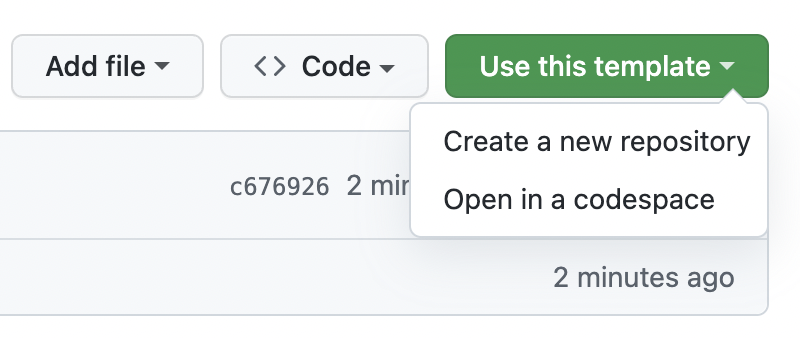
Use this Template: Above the file list, click the "Use this template" button.
Create Repository from Template: You'll be prompted to name your new repository and you can choose whether it should be public or private. You'll also have the option to include all branches in the template repository, if there are more than one.
Follow the INSTRUCTIONS file in each folder of the template repository to complete each section of your project.
Note: Only ONE team member needs to submit the project.
Slides: Create your presentation slides. Save them in 4_Presentation as a PowerPoint, Google Slides, or PDF file.
Cover Image: Replace the placeholder image in CoverImage with an image from your slides.
Deadline: All submissions will be reviewed after the deadline and certificates will be issued accordingly.
Create Repository: Click "Create repository from template" to create the new repository.
Clone the New Repository: You can now clone the new repository to your local machine using git clone and start working on your project.
Link to Slides: Modify the link in the README of the folder 04_presentation according to the file name including your presentation slides.
edu.opencampus.sh Submission:
Log in at edu.opencampus.sh.
Navigate to your course and go to the 'achievements' section.
Select your project title and download possible project specific documentation instructions.
Upload the main README via the upload dialog.
Include co-authors in the upload dialog as applicable.